
2+2[1] 4This is a technical post about how I changed my workflow for working on this website to make it simpler and easier to write posts that include R code and generated outputs, including interactive html widgets like maps.
About two years ago, the software I was using to write this website stopped being a good fit. I had been using the R package blogdown, which was using Hugo to generate a static site using the Academic Hugo theme.
But, over time, I ran into a few problems:
blogdown package, either by design or through my suboptimal setup, would often re-build the entire site from scratch. Since some of my posts involved lengthy calculations, this meant adding a new page could trigger the system to re-do a tiresome analysis I did a few years ago.And so I just stopped writing, because it was too much of a pain.
But it’s fun to have a website! So I devised the following plan:
In addition, when writing I wanted to support three kinds of post formats:
.md) for simple posts;.qmd) that renders to plain markdown for posts with some R code and code outputs like static images; and,For posts that include output of R code, I now have a strict separation between the code and data that generate the post and the post that goes on the website. So I generate the final version in my working directory, then copy the result over to the folder containing the Hugo website.
Each post lives in its own folder, which I name with a date-stamp. The text is in a file called index.(md|qmd|html), images go in the subfolder ./img/, and any data goes in the subfolder ./data/. The data folder lives only with the build assets, and doesn’t get copied to the Hugo website.
Not much to say here, since this is the default and works like any other Hugo content.
Using Quarto to render Hugo-compatible md files was a bit trickier.
Rendering from qmd to md is straightforward, but rendering to Quarto’s built-in hugo format didn’t work for me; it rendered images as <img> tags instead of markdown , and then Hugo wasn’t picking them up. But rendering to plain md format was losing the yaml header.
Luckily, there is a way to render to md and keep the yaml headers so Hugo will pick up the date, summary, and other information:
quarto render index.qmd --to html+yaml_metadata_block
To simplify output directories for figures, add this to your qmd yaml header so that images are stored in the ./img/ subdirectory:
knitr:
  opts_chunk:
    fig.path: "img/"
And just to prove that it all works, here is some complicated R code and its output:
2+2[1] 4Hugo can show blog posts in html format, so in theory this should be simple. But in practice Quarto wants to add its own header info and do some styling, which means the default settings look strange.
To disable the header in your Quarto-generated index.html, add a blank header template by creating an empty file named title-block.html and import it, overwriting the default header style with nothing.
Here is the yaml header for an html output:
---
title: a cool post
date: 2026-06-04
format:
  html+yaml_metadata_block:
    minimal: true
    template-partials:
      - title-block.html
knitr:
  opts_chunk:
    fig.path: "img/"
summary: "Here is a cool post."
---
Here is the command to render to html while preserving the header blocks:
quarto render index.qmd --to html+yaml_metadata_blockAnd here is a histogram:
hist(mtcars$mpg)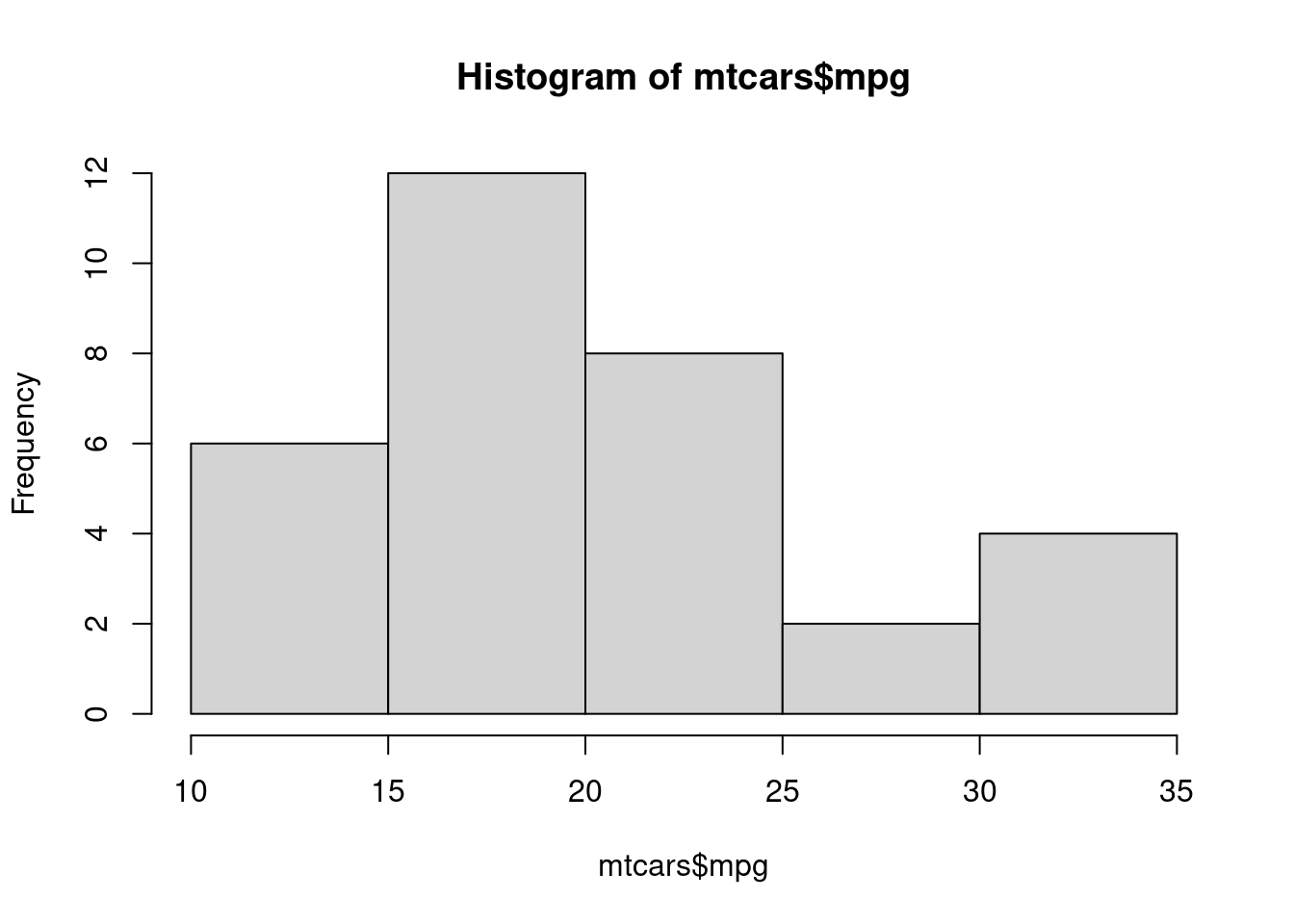
And here is a simple interactive Leaflet map:
 leaflet::leaflet(width="100%") |>
leaflet::addTiles()This isn’t perfect–notably, Quarto bundles all required Javascript libraries with each post, so any html posts will include around 2 megs of duplicated JS cruft in a subfolder. I could probably deduplicate this with some postprocessing or maybe a Quarto setting I haven’t found yet. And I still have some issues with image sizing in Quarto-generated html.
But overall this system works well so far, overcomes most of the issues I had with the previous set-up, and most importantly I can keep working on it and improving it.